
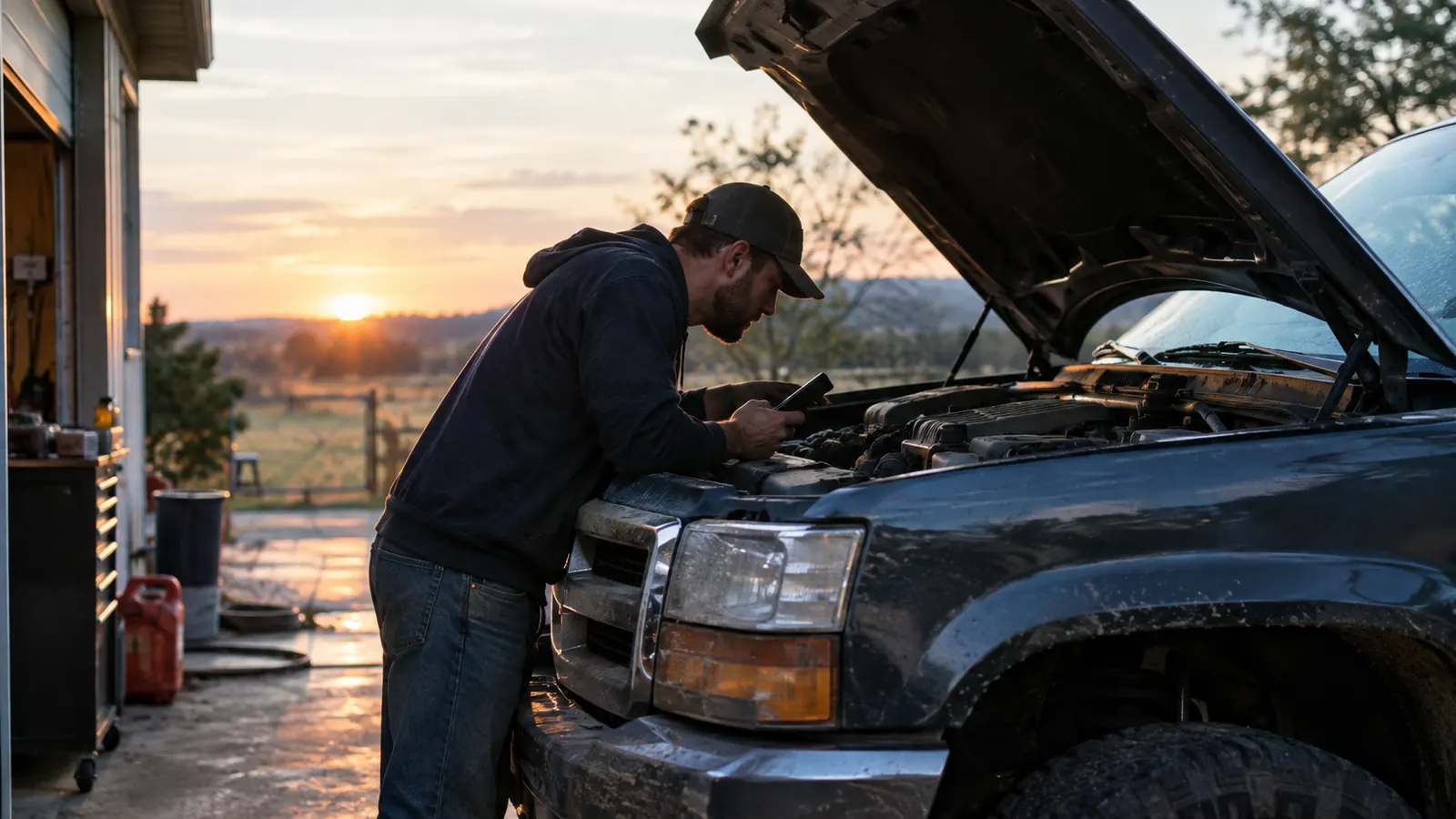
Let me be straight with you. If your only goal is to find out why the check engine light is on, a cheap code reader will get you that code. It will hand you P0301 or P0171 and then leave you with the same question you started with: what do I do next? That is where the BlueDriver earns its keep. I have been turning wrenches for nearly 30 years, and I have owned my 2016 F-150 XLT with the 3.5L EcoBoost since it had about 12,000 miles on it. The BlueDriver is the scanner I keep in the door pocket, not because it is the most expensive thing I own, but because it gives me answers instead of codes. I would rather have one tool that tells me what to fix than a drawer full of code readers that tell me what is wrong and then leave me guessing. I have three of those cheap readers in my toolbox right now. I reach past them every time.
To understand why I feel that way, you need to see what a normal diagnostic session looks like with a basic code reader. A while back, on a Tuesday morning, my truck started idling rough. The check engine light did not come on solid; it flashed once I hit the highway. That is a misfire warning. I pulled into the driveway, plugged in the BlueDriver, and it showed a P0302 for cylinder two. That was useful, but the live data is what saved me. I watched the misfire counter for cylinder two climb whenever the engine was under load. I could also see the fuel trims moving in a way that pointed to a dying coil-on-plug, not an injector and not a vacuum leak. With a cheap reader, I would have gotten the code, then changed the spark plugs, the coil, and probably the connector before I found the real problem. The BlueDriver let me go straight to the coil, and it has never come back. I do not need to tell you how much time and money that saved. It is the difference between fixing a truck and guessing at a truck.
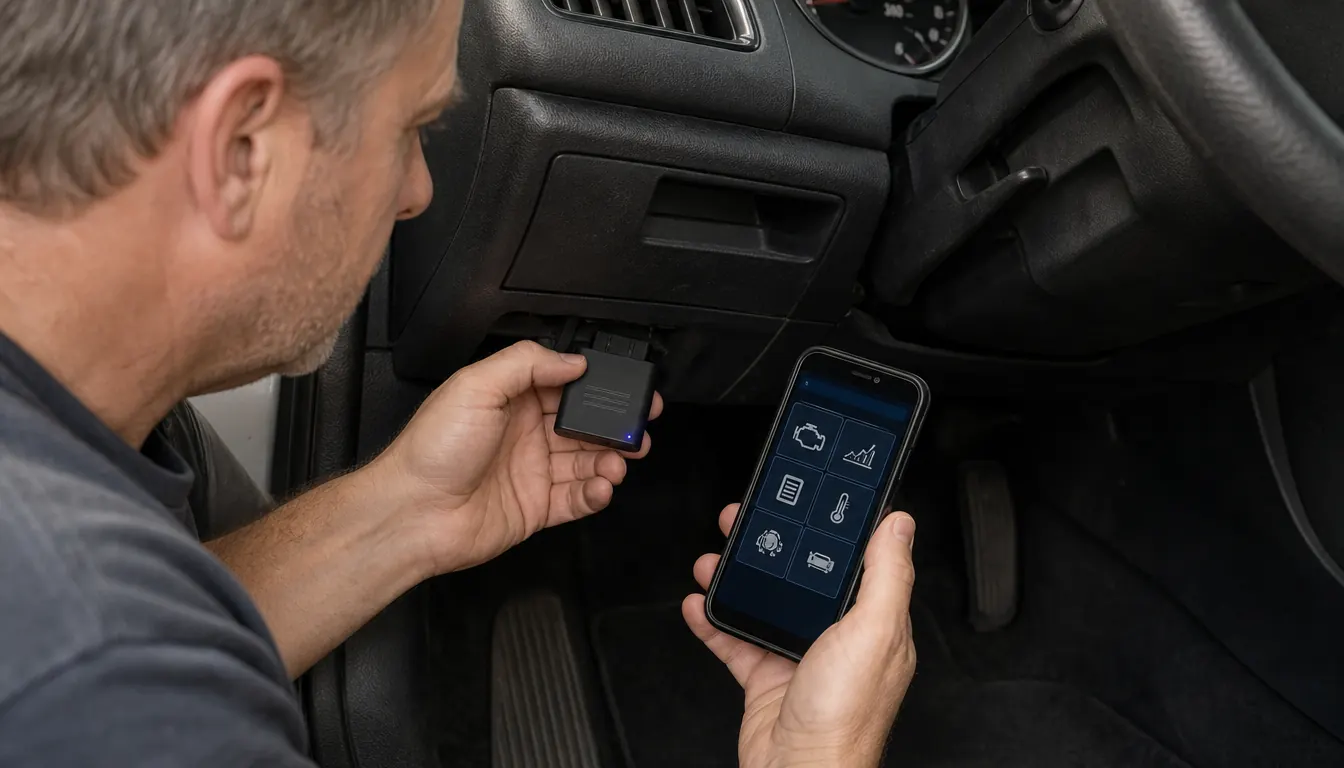
Here is what I have learned after using the BlueDriver for a couple of years and keeping several budget readers in the drawer for comparison. Cheap code readers read codes. That is what they do. They do not tell you what the code means in your engine. They do not show freeze frame data from the moment the light turned on. They do not graph the oxygen sensor as it cycles. The BlueDriver does all of that through an app that is actually worth opening. It plugs into the OBD2 port under the dash, connects to your phone over Bluetooth, and has no subscription. Buy it once, and you have a scan tool that can talk to the engine, transmission, ABS, airbag system, and tire pressure monitors. That is not hype. It is just what the hardware does. The app has been updated several times since I bought mine, and every update was free. That matters when you are still using the same reader eight years later. I have used the BlueDriver on my F-150, on a friend's older sedan, and on a coworker's minivan, and it has never once refused to connect.
| BlueDriver | Budget code reader | |
|---|---|---|
| What it reads | Full system scan: engine, transmission, ABS, airbag (SRS), tire pressure, plus live data on those systems. | Engine codes only on most models. ABS, SRS, and TPMS are usually not covered. |
| Code meaning | Plain-language description, likely causes, and common fixes shown in the app. | A one-line definition you often have to look up online or in a code book. |
| Live data | Graphs live sensor data, including fuel trims, coolant temperature, and misfire counters. | A few budget readers show limited live data, but it is usually engine-only and hard to read. |
| Freeze frame | Stores the data snapshot taken the moment a code set, which is key for intermittent problems. | Many cheap readers do not capture freeze frame data at all. |
| ABS and airbag codes | Reads ABS and SRS codes without extra modules or adapters. | Usually requires an add-on adapter, and some units never support it. |
| App and updates | Reliable app for iOS and Android with free feature updates and no subscription. | App quality varies by brand; some use a clunky generic interface with limited updates. |
| Upfront cost | Higher upfront cost for a tool you keep and use. | Lower upfront cost if you only need engine codes. |
| Best for | Owners who plan to keep a vehicle and want to diagnose instead of guess. | Someone who just wants a code before calling a shop or checking a used car. |
Where BlueDriver Wins
The biggest difference shows up when the problem is not a simple engine code. The BlueDriver reads ABS and SRS codes. I used mine when a friend's car had the ABS light come on. The cheap reader in my drawer would not even look at that system. The BlueDriver pulled a wheel speed sensor code in less than a minute. That is the kind of thing that separates a tool you use once from a tool you keep in the truck. It also keeps a history of every scan. When a code comes and goes, I can look back and see if it has happened before and under what conditions. That history has answered questions I did not even know I was asking. A few months later, the same friend asked me to check an airbag light on another car. The BlueDriver read the SRS module with the same ease. I did not need to buy an adapter or rent a tool. That alone is worth the difference between this and a basic reader. The BlueDriver also lets you run a quick test on the oxygen sensor and see how fast it responds, which is the kind of thing you need when an emissions code is not clear.
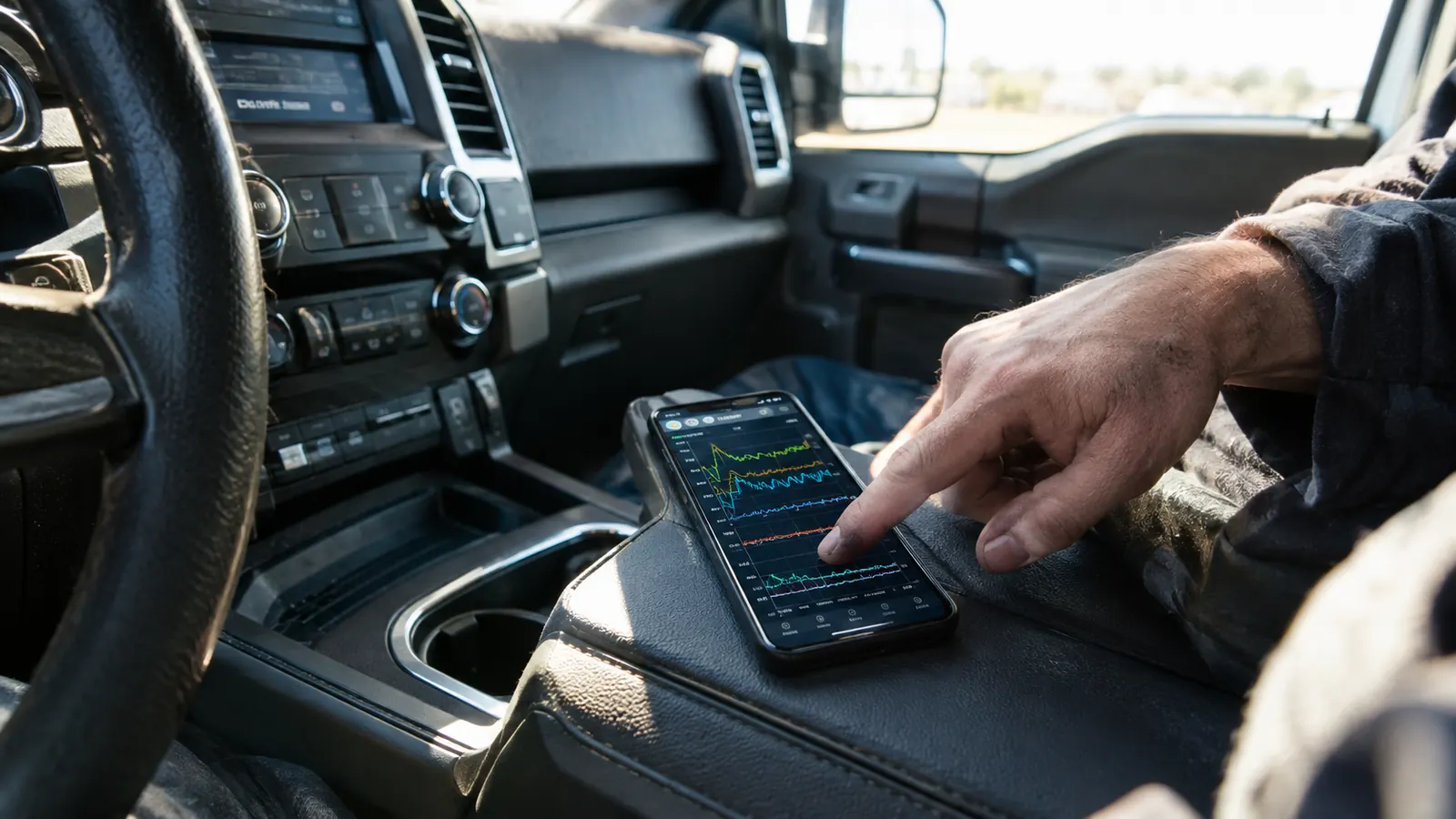
Live data is the other thing. Watching the oxygen sensor swing from lean to rich, seeing the fuel trims settle, or graphing the misfire counters turns a guess into a diagnosis. The BlueDriver app lets you pick the sensors you want to graph and then shows them in real time. It is not as fast as a high-end professional scanner, and I am not going to pretend it is. But for a DIYer in a driveway, it gets close enough that I rarely reach for anything else. The free updates are the quiet bonus. When the app gets better, you just accept the update, no subscription, no fee. I have had mine for a little over two years now, and it still reads every system on my truck. I have not once had to call support.
Where Budget Code Readers Win
I am not going to tell you to throw away your cheap code reader. There are two places where it still makes sense. The first is the one-off check engine light. If you just want to know why the light is on so you can call a shop, and you are not going to fix it yourself, a budget reader gives you the code, and that is all you need. It is small enough to leave in the glovebox and simple enough that nobody in the house has to learn an app. That has real value. I have a neighbor who has a basic reader in his console. He has used it twice in five years, once to find out his gas cap was loose and once to get a code before a road trip. He would never use half of what the BlueDriver can do, and he is better off not spending the money on it. That is not a knock on the BlueDriver. It is a knock on buying capability you will never use.
The second place is the car you are thinking about buying. Take a budget reader with you, plug it in, read the codes, and you have a negotiating tool. It will not give you the full story, but it will tell you if the seller is hiding a transmission code. For that job, the BlueDriver is overkill. You do not need live data or ABS coverage when you just want to know whether to walk away. A cheap reader that fits in your jacket pocket is easier to carry, and if you leave it at a dealer by mistake, you are not out a lot of money. The cheap reader is also easier to hand to someone else. If you loan it to your brother-in-law and it never comes back, you are not going to lose sleep over it.
What the BlueDriver Does Not Do
Let me be honest about the downsides. The BlueDriver is not a two-way scan tool. It can read live data, but it cannot cycle the ABS pump or command the cooling fan on and off. For that you need a professional unit that costs a lot more. I have used those, and I know what they can do. For a DIYer in a driveway, that capability rarely matters. The bigger limitation is that the app can feel a little cluttered the first time you open it. There are a lot of graphs and menus, and if you have never used a scan tool before, it can be intimidating. Give it one weekend and you will get past it. I had to read the quick start guide, and I have been doing this for years.
The other thing I will say is that the BlueDriver is not the fastest way to just clear a code. If you only want to turn off the check engine light and you already know why it is on, a basic reader that clears codes in one button press is faster. The BlueDriver makes you open the app, connect, start a scan, and then find the clear function. That takes about a minute. It is not a big deal, but it is worth knowing before you buy. You are paying for information, and you get it. You are not paying for the least number of taps between you and a cleared light. And the reports you can write out are nothing fancy. You get a plain list of codes and readings you can screenshot. That is fine for me, but if you are used to the color printouts from a dealer, you will be disappointed.
Want a code reader that tells you what to fix, not just what code is stored?
The BlueDriver plugs in, pairs with your phone, and gives you live data, ABS and SRS coverage, and code history. No subscription, no monthly fee.
Amazon Check Today's Price on Amazon →Who Should Buy Which
Here is how I decide who should buy which. If you keep your truck for more than a year and you plan to do your own maintenance, buy the BlueDriver. It will show up again and again, especially on a vehicle with ABS, airbags, and tire pressure monitors. The first time your airbag light comes on at 7:45 on a Saturday morning, you will be glad you have a tool that can read SRS codes. If you are the kind of owner who wants to know the code but will hand the repair to a shop, a basic reader is fine. It tells you the code, you call your mechanic, and you are done. The BlueDriver is not a tool you need for that job.
The other factor is the age of the vehicle. My 2016 F-150 is old enough that I expect things to break, but new enough that every system is run by a computer. The BlueDriver gives me a window into all of it. If you drive something from the 1990s, a basic reader that speaks OBD2 will probably be enough because there is no ABS module to talk to in the same way. But if you plan to drive your current vehicle for another five years, and especially if you are the one who will be tightening the bolts, spend the extra money once. I can tell you exactly which one I would buy if I did not already own the BlueDriver: I would buy the BlueDriver.
The BlueDriver also earns its keep if you help friends and family with their cars, the way I do. I use it more often on my neighbor's vehicles than I do on my own. When someone asks me to just look at this light, being able to pull ABS codes and graph live data turns a favor into a quick, honest answer. That is worth something. It is the difference between saying I think it is the brake switch and it is the rear left wheel speed sensor, and that second sentence is the one that convinces people you know what you are doing.
If you plan to keep your truck for a while, get the BlueDriver.
It has been in my door pocket for two years and through every diagnostic headache I can name. It pays for itself the first time it saves you from replacing a part that isn't actually bad.
Amazon See the BlueDriver on Amazon →