
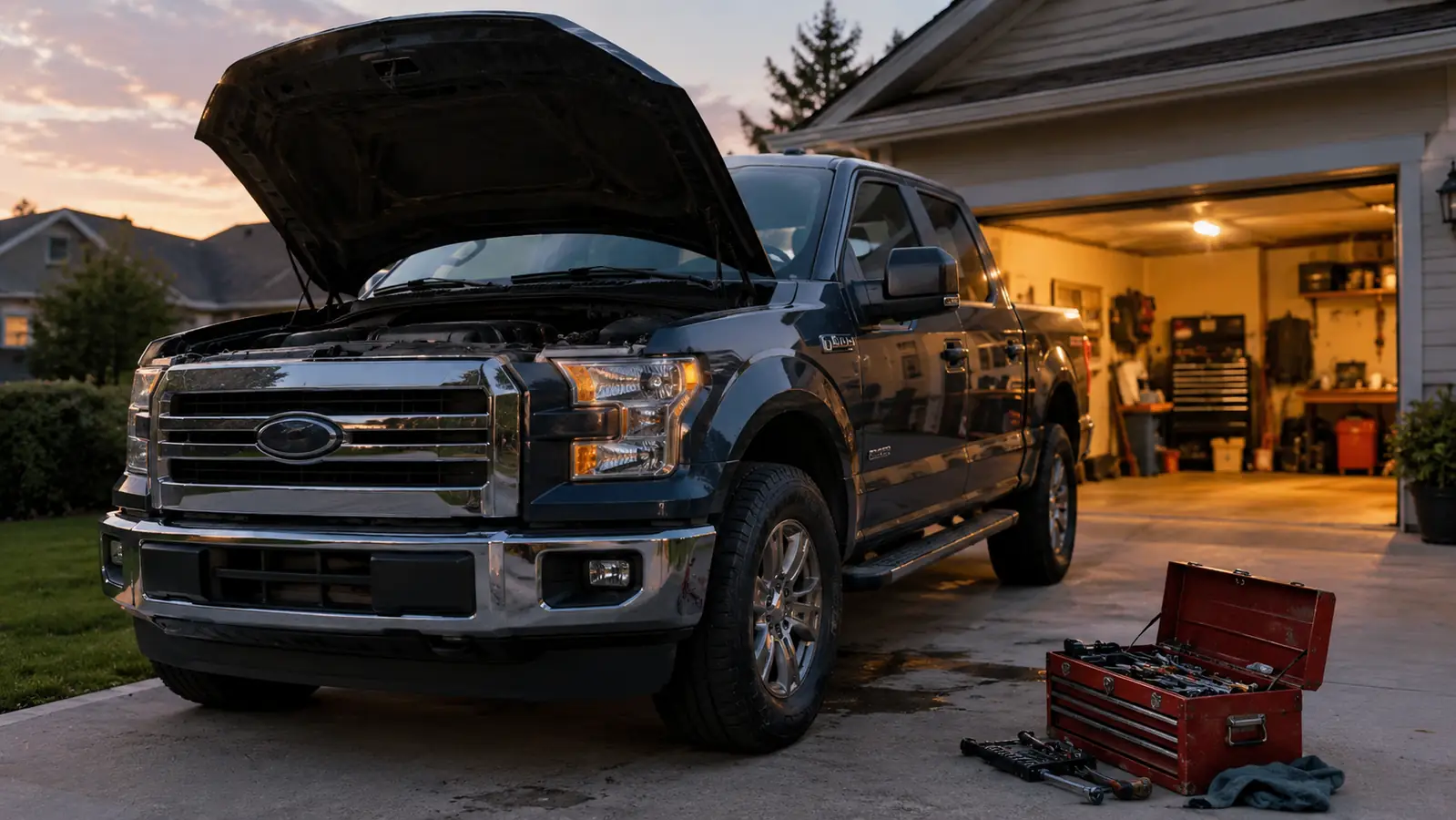
I have been turning wrenches for close to thirty years, and I still remember the first time I paid a shop just to tell me what a check engine light meant. I was in my early twenties, the bill felt enormous, and the big diagnosis turned out to be a loose gas cap. I have never forgotten that feeling of paying for information I could have gotten myself. These days, when a light comes on in my own truck, I do not guess and I do not call anyone. I grab the BlueDriver.
This is the long-term review, the one I wish I had found before I bought mine. I have used the BlueDriver for about two years now, mostly on my 2016 F-150 with more than 140,000 miles on the clock, plus a neighbor's car or two in my driveway. I bought it myself, nobody sent it to me, and I have no reason to oversell it. If you have ever stared at a check engine light and wondered whether the fix was going to be cheap or expensive, you already know why a scanner earns its keep. Here is what it does well, what it does not do, and whether you actually need one in your glovebox.
The Quick Verdict
The best consumer OBD2 scanner I have used in thirty years of turning wrenches. It reads ABS, SRS, and TPMS codes, the app is dependable, and there is no subscription. It is not a professional scan tool, and it does not pretend to be one.
Amazon Check Today's Price →Stop paying a shop for a diagnosis you can get in your own driveway.
The BlueDriver plugs into the port under your dash, pairs with your phone, and reads the codes a basic reader cannot touch. It has been in my truck for two years. Check the current price on Amazon and see if it makes sense for you.
Amazon Check Today's Price on Amazon →How I've Used It
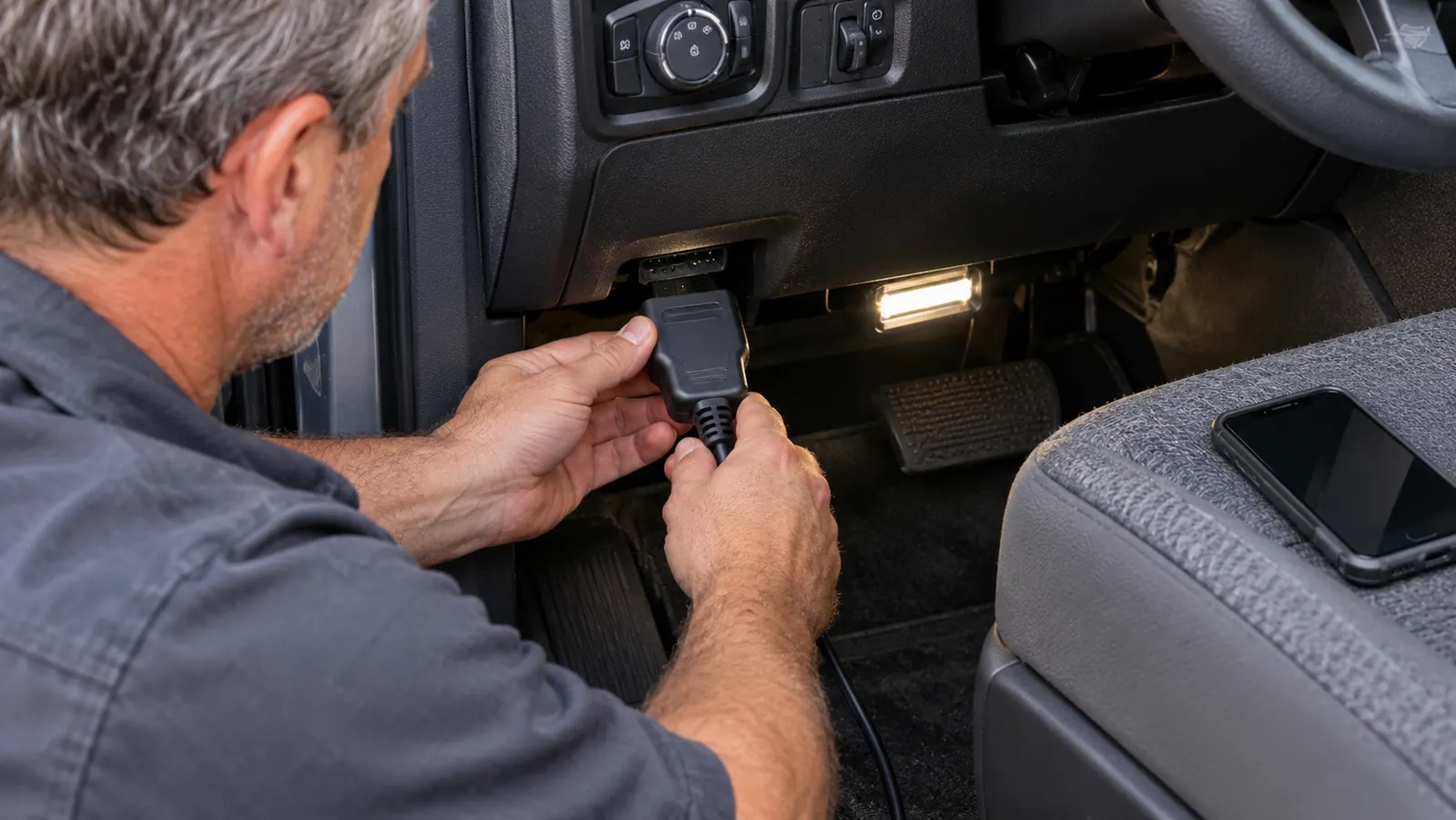
My truck is a 2016 F-150 with the 3.5L EcoBoost V6, and it has rolled past 140,000 miles. It is my daily driver, which makes it the test vehicle for every tool I recommend. The BlueDriver lives in my center console. It takes about ten seconds to plug in, and the app connects over Bluetooth before I have my phone out of my pocket. The first real test came about a month in, when the truck threw a code for the evaporative emissions system.
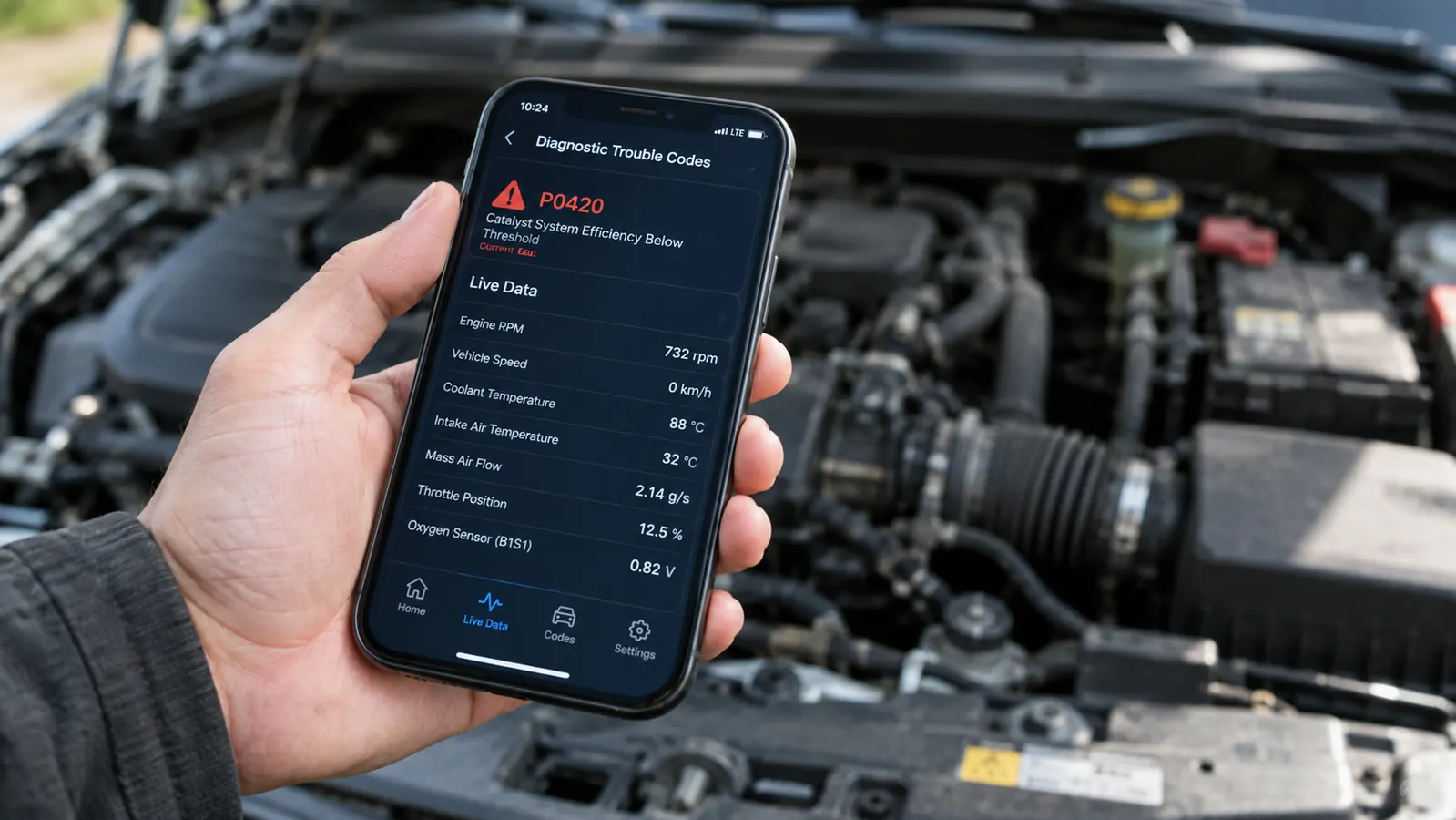
A small EVAP leak is one of those codes that can be anything from a loose gas cap to a cracked hose to a failed purge valve. The BlueDriver read P0456, and the app showed me the freeze frame data, which records the fuel level and engine temperature at the moment the code set. I checked the gas cap first, because that is the cheap fix, cleared the code, and it came back about a week later. That is when the enhanced data earned its keep. I watched the purge valve duty cycle on the live data screen, found it stuck, and replaced it for the cost of the part. A shop would have charged an hour of labor to run that same test.
Since then it has read an ABS code on a neighbor's sedan, showed me which wheel speed sensor was dropping out, and flagged a tire pressure sensor that was going bad before the light started blinking. It also reads SRS codes, which is the airbag system, and that is something a bargain code reader will not do. That feature alone has been worth the purchase price to me, because airbag codes are exactly the kind of thing a DIY owner cannot see any other way.
What the BlueDriver Does That a Cheap Code Reader Won't
If all you ever need is the code for a check engine light, a basic reader will get you there. But most of those readers stop at generic powertrain codes. The BlueDriver goes deeper. It reads the enhanced codes from the other modules in the truck: ABS, airbags, tire pressure monitoring, and the manufacturer-specific codes that tell you which cylinder is misfiring instead of just saying that a misfire was detected. On my F-150, that depth is the difference between a useful answer and a clue.
The app is where the BlueDriver separates itself from the crowd. Plug it in, pair it, and the app explains the codes in plain language instead of leaving you with a five-digit puzzle. It also records live data, which is how you catch an intermittent problem that only shows up under load. You can graph that data over time, which makes it easier to spot a sensor that is drifting instead of failing outright. I have watched fuel trims, coolant temperature, and boost pressure on my EcoBoost while driving down the road, and a basic reader cannot do that at any price.
There is also a repair report feature that lists the most common causes for the code you pulled. I will be straight with you: it is a starting point, not a verdict. On a common code like my EVAP leak it pointed me in the right direction. On a wiring problem it gave me three possibilities and left the thinking to me. That is what a repair tool should do. And unlike some scanners I have used, the BlueDriver does not ask for a subscription before it will show you the enhanced data. You buy it once, and the app is free.
The app also shows the I/M readiness monitors, which is the list of systems the car's computer checks on a drive cycle. If your state does emissions testing, that screen tells you whether the monitors are set before you show up for the inspection. It has saved more than one person I know from a failed test and a wasted trip.
What I Liked
- Reads ABS, SRS, and TPMS codes, not just check engine codes
- No subscription. You pay once and the app is free
- Live data and freeze frame data on your phone
- Dependable Bluetooth connection and a straightforward app
- Repair reports give you a sensible starting point
Where It Falls Short
- No bidirectional controls or module programming
- Enhanced coverage is deeper on some makes than others
- Requires a smartphone and the app open to work
- Draws a small current if left plugged in while the truck sits
- The app interface is functional but a little dated
The EVAP leak story is the whole review in one paragraph: a code, ten minutes of live data, and a part I replaced in my driveway instead of paying a shop to tell me what was wrong.
How to Get the Most Out of It
The setup is simple enough that I almost do not need to walk you through it. Plug the dongle into the diagnostic port under the dash, download the free app, and pair it over Bluetooth. The app lets you enter your VIN, and that step matters more than people think. It uses the VIN to confirm the exact engine and transmission in your truck, and that is what unlocks the deepest enhanced data. Skip it and you are leaving half the tool on the table.
The other habit worth building is pulling the freeze frame data every time a code sets. It is a snapshot of what the engine was doing at that exact moment, and it turns a dead-end code into a real lead. A few months back my truck threw a misfire code, and the freeze frame showed it happened at low speed and light load. That told me to start with the spark plugs instead of chasing fuel pressure or compression, and it saved me a lot of wasted parts. That is the kind of detail that separates a scanner from a toy.
Two Years In: What's Held Up and What Hasn't
The dongle itself is tough. It has been tossed into a center console, dropped on concrete, and left in a hot truck through a Tulsa summer, and it still connects on the first try almost every time. The plastic case has picked up some scuffs from living under the dash, but nothing has cracked or worn through. For a tool in this price range, the build quality is fair.
The app has been updated several times since I bought it. It is not the prettiest app on my phone, and the layout is a little dated, but it has never crashed in the middle of a live data session, and the Bluetooth pairing has been solid. The one annoyance is that I sometimes have to open the app before it finds the dongle, which costs me a few seconds. Minor, but it happens often enough to mention.
The battery draw is the one thing I would warn you about. The BlueDriver goes to sleep when the truck is off, but it still sips a little current while it is plugged in. In my truck, which I drive every day, it has never been an issue. If you park your car for a couple of weeks at a time, unplug it. That takes five seconds and removes any doubt.
The bigger picture after two years: the BlueDriver has paid for itself several times over in my driveway. Every code I pulled myself is a code I did not pay a shop to read. And because it sees the enhanced modules, it caught a failing wheel speed sensor early, which is the kind of heads-up that keeps a small repair from becoming a big one.
Where the BlueDriver Falls Short
It is not a professional scan tool. It will not run bidirectional tests, it will not program a module, and it will not cycle an ABS pump for a brake bleed. At the shop we have a high-end scan tool for that kind of work, and the BlueDriver does not try to be it. If you are doing that level of diagnosis, you are not shopping for a handheld dongle anyway.
The depth of the enhanced data depends on the vehicle. Ford and GM are covered well, and the major Asian makes are solid. On some European cars you will get the generic powertrain codes but not the same depth in the other modules. The coverage list is on the manufacturer's site, and it is worth ten minutes of your time before you order. Check it for your specific car before you buy. That is the one piece of advice I would give before anyone clicks the button.
The other limit is the phone. The whole experience lives in the app, so you need a smartphone you are comfortable using while you work. If you want a tool with a screen built into the handle, the BlueDriver is not that. I do not mind using my phone, and I already carry it with me, but it is worth knowing before you buy.
One more thing worth knowing: the dongle pairs with one phone at a time. If two people in the house want to use it on their own cars, the second person has to unpair the first. It takes a minute, but it is a real limitation for a shared tool.
Who This Is For
The BlueDriver is for the DIY owner who does their own work and wants to know what is actually wrong before ordering parts. If you change your own oil, do your own brakes, and would rather diagnose a check engine light yourself than pay a shop for the privilege, this is your tool. It is also for the owner of an older car, the kind of car that talks to you with a light on the dash, because that is exactly where a scanner earns its keep.
I would also put it in the hands of anyone who has ever been handed a scary estimate from a shop and wondered whether the diagnosis was real. Pull the code yourself, look at the live data, and you walk in with information instead of guesses. That alone has saved me more than once, and it will do the same for you.
Who Should Skip It
If you just want to know why the check engine light is on and you will take the car to a shop either way, a basic code reader will tell you that much, and you can save the difference. And if you lease your car, you will probably never need one at all. The BlueDriver earns its keep when you are willing to do the next step yourself.
Skip it if you do not want to use a phone while you work, or if your car is under warranty and you will never turn a wrench on it. And if you are looking for a professional scan tool that can program modules and run bidirectional tests, this is not that tool. Buy the right tool for the job, and understand that the BlueDriver is built for a narrower job than some product pages suggest.
The one tool I have kept in my truck for two years straight.
The BlueDriver has lived in my center console for two years. It reads the codes a basic reader cannot, there is no subscription, and it has saved me a shop visit more than once. I have recommended it to friends who work on their own cars, and none of them have come back to complain. Check today's price on Amazon and decide for yourself.
Amazon Check Today's Price on Amazon →