
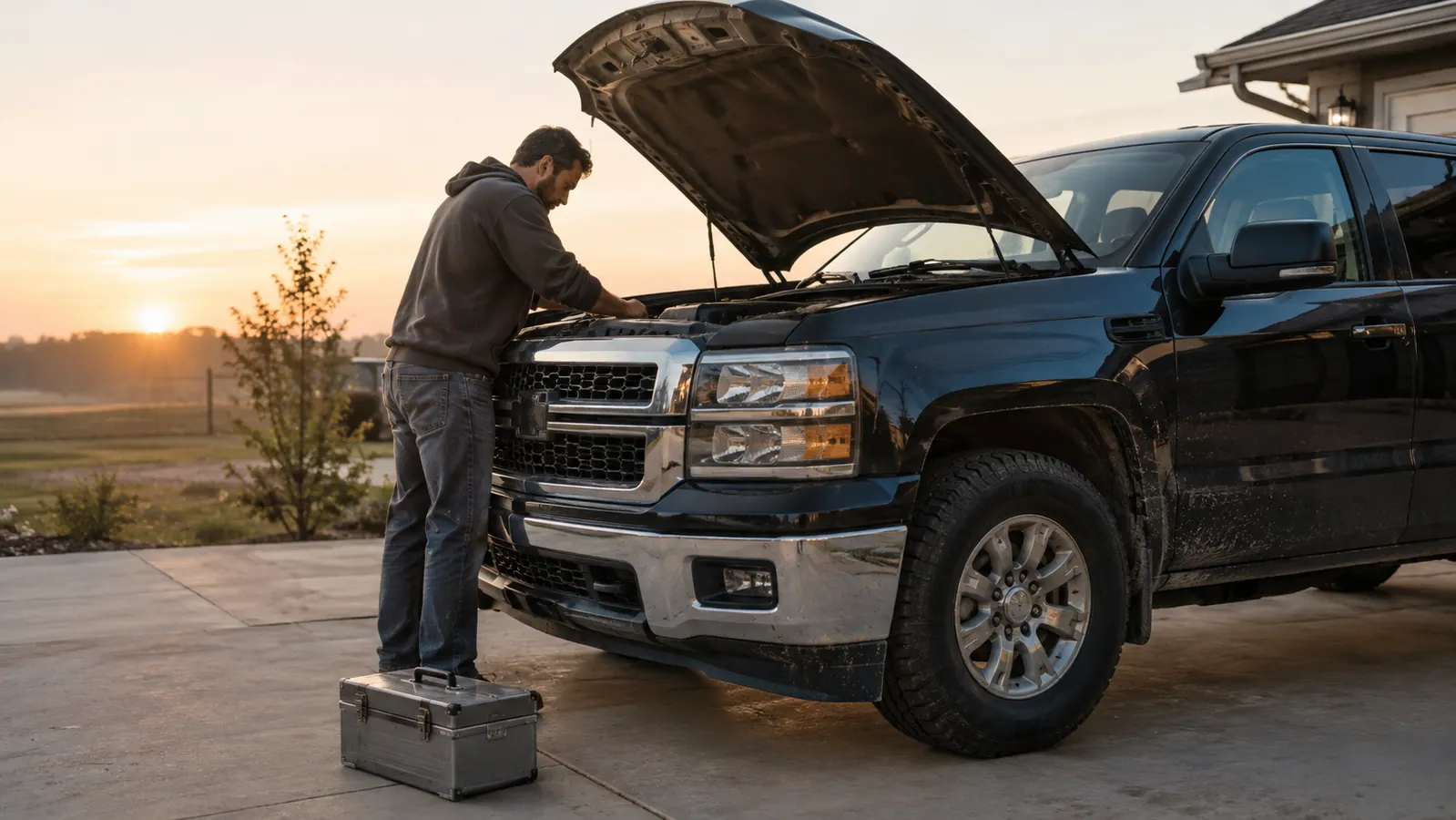
Most BlueDriver reviews start with the box, or the pairing, or the app store rating. I'll start with what actually matters: whether it earns its spot in your glove box after the novelty wears off. I'm Hank Moreland. I've worked in a general repair shop for about 30 years, and I've kept a BlueDriver in my 2016 F-150 for about fourteen months. It has caught two real problems before they got worse, and it has also sent me down one rabbit hole that cost me a Saturday. Both stories tell you more than any spec sheet.
Here's the short version before the details. The BlueDriver is a compact unit that clicks into the diagnostic port under your dash and talks to an app on your phone over Bluetooth. The scanner itself is simple hardware. The app is where the real product lives, and that's the first thing nobody tells you. This is the honest review I'd give you in person, over the tailgate, with the code still on the screen. I'll tell you where it surprised me, where it let me down, and where it sits in my toolbox today.
The Quick Verdict
The best DIY scan tool I've used in thirty years of turning wrenches, with two honest limits: it reads and clears, but it can't command parts to move, and the app does most of the thinking.
Amazon Check Today's Price →See the whole story before you buy a single part
The BlueDriver reads the code, the freeze frame, and the live data on your phone in about two minutes. Know whether it's a driveway fix or a shop visit before you buy a single part.
Amazon Check Today's Price on Amazon →How I've Used It
My truck is a 2016 F-150 XLT with the 3.5L EcoBoost V6, past 140,000 miles. It's my daily driver and my test mule. I've had the BlueDriver plugged in on and off for about fourteen months, mostly for three jobs: reading codes when the check engine light comes on, watching live data while I diagnose, and checking the ABS and airbag systems when I'm working in the driveway.
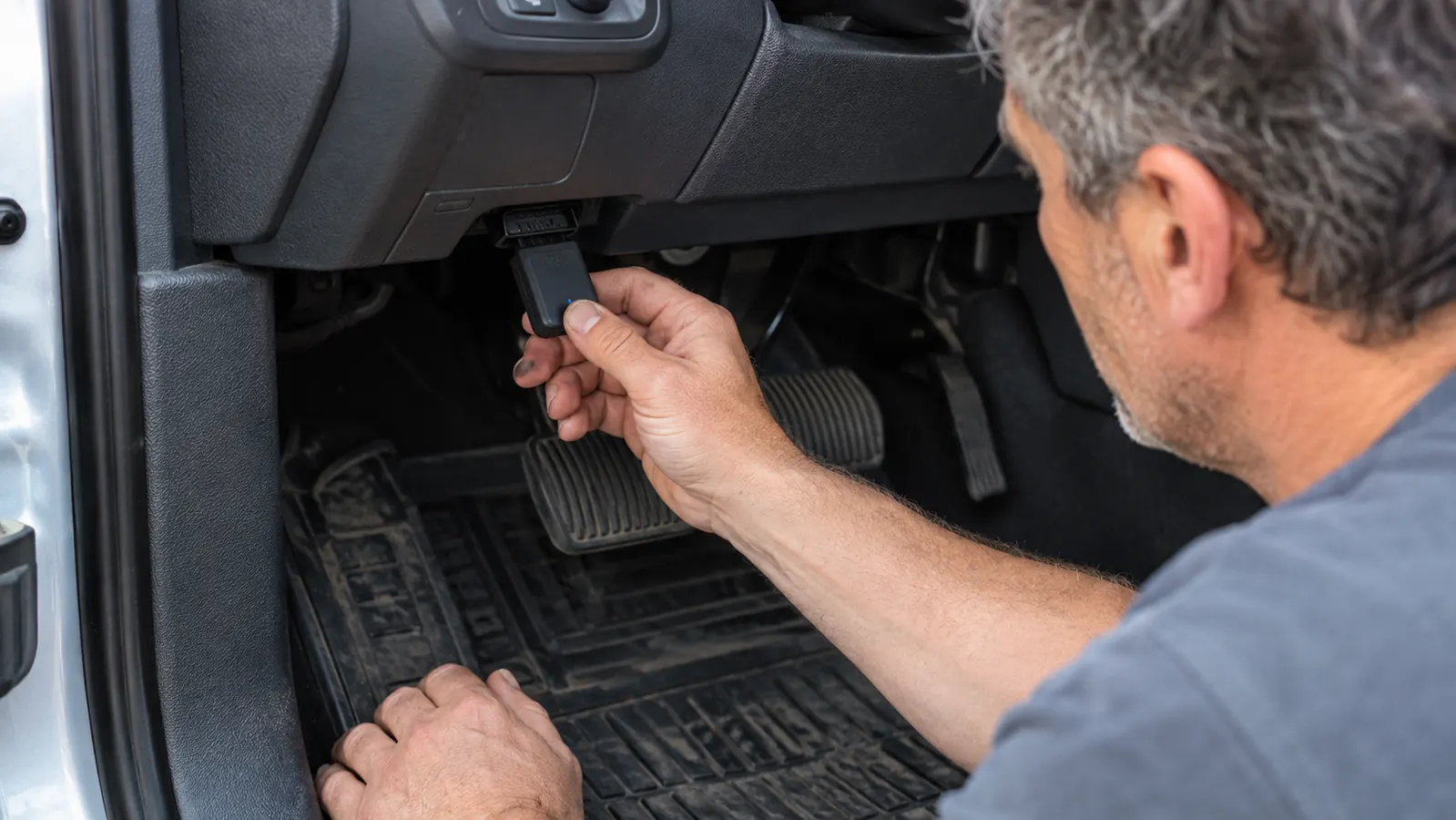
Setup is genuinely easy, which surprised me. You download the app, plug the scanner into the port under the dash, and pair it like a set of earbuds. The first time I used it, I had a code on the screen in about two minutes. I've since used it on customer cars at the shop to double-check my work, and on my own truck for the evap code that came back last spring.
One thing I do differently than the videos suggest: I don't leave it plugged in. It's supposed to power down on its own, and it does, but my truck sits in the driveway for days at a time. Unplugging it takes two seconds, and it removes any doubt about a slow drain on the battery. I'd rather reach under the dash once a week than jump a dead battery once a month. The first week was the curiosity phase. I plugged it in on a Sunday and just scrolled through the live data on a truck that had nothing wrong with it, which is honestly the best way to learn the tool. I watched the coolant temperature climb to normal, saw the fuel trims settle, and checked that the oxygen sensors were switching like they should. You learn what normal looks like on your own vehicle, and that baseline is what makes the codes meaningful later.
What Nobody Tells You About the App
The scanner is a radio. The app is the scan tool. That's the first thing I tell people when they ask about the BlueDriver. The free version of the app reads and clears standard engine codes, shows freeze frame data, and gives you live data on the basic OBD channels that every car has. On its own, that already beats a plain code reader.
What nobody tells you is that the really useful stuff, the manufacturer-specific data for your particular make, is a separate one-time add-on inside the app. It's not a subscription, which the listing says and which is true, but the enhanced data is sold per make. If you own a Ford and a Toyota, you buy the Ford add-on and the Toyota add-on. That's a fair trade, but it's worth knowing before you buy.
The other thing nobody tells you: the app is the product, so the app gets updated, and your phone has to keep up. I use an older phone, and a couple of times I've opened the app to find it wanted an update before it would connect. The live data screen also takes a minute to set up the way you want it. You pick the channels from a list, and the app graphs them in real time. I keep mine set to fuel trims, coolant temperature, and timing advance, the three numbers I look at first on any driveability complaint. The first time you open it, the channel list is long enough to feel like a cockpit, but you only need three or four. And none of it works without a phone in your pocket.
The built-in code lookup is decent, and the possible fixes list is where I got myself into trouble once. Last spring the evap code P0456 came back, a small leak in the evaporative emissions system. The app listed the usual suspects: gas cap, purge valve, cracked hose. I read that list, skipped the smoke test, and swapped the purge valve on a Saturday morning. The code came back within the week. That was my mistake, not the scanner's. The BlueDriver told me which system was leaking. It never claimed to tell me where. When I finally did the job right, the leak was a cracked vent hose behind the filler neck.
Reading a Code Is Not the Same as Understanding It
This is where the BlueDriver earns its keep, and also where it surprised me. Last winter my truck threw a P0301, a misfire on cylinder one. A plain code reader would have shown me the same number, and then I'd be guessing at coils, plugs, and injectors, probably in that order, probably buying parts I didn't need.
The BlueDriver showed me the freeze frame data captured when the code set. The misfire happened at cold start, at low load, on a morning right around freezing. That pointed hard at the spark plugs, not the coils. I pulled the intake off to reach the back three cylinders, which is a contortionist act on the EcoBoost, and found plug number one worn down well past where I'd have liked. New plugs all around, cleared the code, and it hasn't come back in nine months.
The same data settled a customer's car a few months back. A 2012 Escape came into the shop with a lean code, P0171. The code alone says bank one is running lean, which could be a vacuum leak, a dirty mass airflow sensor, or a fuel pump getting weak. Live data showed the fuel trims at plus twelve percent at idle and plus three percent at 2,500 rpm. That pattern is the fingerprint of a vacuum leak. It was a cracked PCV hose. I found it in the first ten minutes instead of the first two hours.
That's the honest pitch for this scanner. It doesn't do the diagnosis for you, but it hands you the data a mechanic would look at first. The freeze frame is the part people don't appreciate until they've chased an intermittent code. It records the engine conditions at the exact moment the code set: coolant temperature, engine speed, vehicle speed, fuel trims, load. An intermittent misfire that only happens at operating temperature on the highway is a different problem than one that happens cold at idle. If you can read freeze frame and fuel trims, you'll fix things on the first try. If you can't, the app's code lookup will at least keep you from buying parts on a hunch.
A code tells you which system is unhappy. Freeze frame and live data tell you why. That's the difference between fixing it once and throwing parts at it.
The ABS, Airbag, and Tire Pressure Feature Is the Sleeper
What nobody tells you about the BlueDriver is that the ABS and airbag coverage is the reason to own one. A basic code reader stops at the engine. It will not talk to the antilock brake module, the airbag module, or the tire pressure system. Those are exactly the systems where a driveway repair gets expensive, because the only way to know what's wrong is a shop visit. The pocket readers are fine for engine codes, but they go blind below the engine bay. The BlueDriver doesn't.
A few months ago a customer's 2015 Explorer came into the shop with the ABS light on. The shop tool read the code, but I wanted to see the live wheel speed data. The BlueDriver showed all four sensors reporting at 40 miles an hour except the left rear, which was flatlined at zero. That's a dead wheel speed sensor, and it's a part you can swap in the driveway with a socket set. On the old way, you'd have no way to confirm that without a shop visit.
The same feature reads airbag codes, which matters if you're shopping for a used truck and the airbag light is on. And the tire pressure view saved me a needless trip last fall when the TPMS light came on in cold weather. The live data showed all four sensors just low from the temperature drop, not dead. I aired them up and moved on.
Before a friend buys a used vehicle, I've started taking the BlueDriver along. Ten minutes with the scanner will show you stored codes that a seller's light reset hid, pending codes that haven't triggered the light yet, and on many vehicles the odometer value the modules have stored, which is worth checking on any used truck.

Where It Can't Help You
Here's the honest part that the reviews tend to skim. The BlueDriver reads and clears codes. It does not command. A shop-grade scan tool can tell the ABS pump to cycle, open the cooling fan, or actuate a solenoid, and it can run the procedures you need for brake bleeds and injector tests. The BlueDriver can't do any of that. If your repair plan involves commanding a part to move, you need a different tool.
For a driveway mechanic, that's usually fine. Most of what I do on my own truck is read, test, and clear. But I want to be clear about the boundary, because I've seen people buy this scanner expecting a cheap shop tool and then get frustrated. It's a very good code reader with live data. It is not a substitute for a professional scan tool, and it won't program modules or handle the advanced procedures on newer vehicles.
There's also a limit on coverage. The generic OBD functions work on just about anything with a port, and the ABS, airbag, and TPMS functions work on a long list of makes and models. But some newer vehicles lock down their modules, and on those you're back to generic codes only. Check the compatibility list before you buy, not after.
The clearest example I can give: last month I had to bleed the ABS unit on a customer's truck after a brake line replacement. That job requires a scan tool that can cycle the pump and the solenoids while you open the bleeders. The BlueDriver sat in my bag for that one, and I used the shop tool instead. It's the right tool for the job, and the BlueDriver isn't that tool. I say that so you don't learn it the hard way on a Sunday afternoon with the brakes apart.
What I Liked
- Reads engine, ABS, airbag, and TPMS codes on a long list of makes, with no subscription
- Freeze frame data and live data graphing turn a code into a diagnosis
- Manufacturer-specific data is a one-time add-on per make, not a recurring fee
- Setup takes about two minutes, and the app is genuinely well made
- Small enough to live in the glove box between uses
Where It Falls Short
- The scanner is only half the product; without a phone and the app, it does nothing
- No bi-directional controls, so it can't command parts to move or run service procedures
- The possible fixes list can lead you astray if you skip real diagnosis
- Enhanced data for a second make means buying the add-on again
- Pairing can be finicky after phone updates
Who This Is For
If you change your own oil, do your own brakes, and you're tired of driving to a parts store so a clerk can read your check engine light, the BlueDriver is for you. It makes sense for anyone who owns one vehicle and wants to know what the light means before deciding whether to fix it in the driveway or take it in.
It's also for the person shopping for a used truck. Being able to check the engine, the ABS, and the airbag module before you hand over the money earns its keep on the first used vehicle you look at. That one check can save you from buying somebody else's headache.
And it's for the person who's had a shop tell them a code means one thing, then a second shop tell them something else. With the BlueDriver, you can read the code yourself, look at the freeze frame, and at least know what question to ask. A customer who walks in with the code and the data on his phone gets a straight answer from me a lot faster than a customer with a vague story about the light coming on.
Who Should Skip It
If your plan is to plug it in and have it tell you exactly which part to replace, skip it. The BlueDriver gives you codes and data. You still have to think. The possible fixes list will narrow things down, but it won't do the diagnosis for you, and if that's what you're after, you'll be frustrated with it within a month.
And if you're doing serious work that requires commanding parts, running service procedures, or programming modules, you need a shop-grade tool. The BlueDriver is not that. It's the best code reader I've used for the driveway, and it has a hard limit that no app update will fix. Know that boundary going in and you'll be happy with it.
Fourteen months in my F-150, and it still lives in the glove box
If you work on your own vehicles and you're tired of guessing at codes, this is the scanner I'd hand you first. See the current price and the compatibility list on Amazon.
Amazon Check Today's Price on Amazon →